 Design
Best 3D Mice and Input Devices for Interior Designers in 2026
Interior designers spend hours orbiting, panning and zooming around 3D models in tools such as SketchUp, Blender, Revit or AutoCAD. A 3D mouse such as a SpaceMouse lets one hand move the model while the other hand keeps the regular mouse on the selection. A programmable mouse or a keypad-and-dial console can also put the most-used commands within reach instead of in menus.
How we chose
We picked five current products from 3Dconnexion and Logitech, each listed on the manufacturer’s own website as read on 2026-10-14. All specs and prices below come only from those official pages. We have not hands-on tested any of these devices. Prices are in US dollars as shown on the manufacturer’s US page; 3Dconnexion lists them excluding tax. Where a page does not state a detail, we say so rather than fill it in from retailers.
| Model | Type | Controls | Connection | Price if published |
|---|---|---|---|---|
| 3Dconnexion SpaceMouse Wireless | 3D mouse (6DoF) | 2 programmable buttons | 2.4GHz wireless, Bluetooth LE, USB-C cable | $199.00 |
| 3Dconnexion SpaceMouse Compact | 3D mouse (6DoF) | 2 programmable buttons | Not stated on page | $179.00 |
| 3Dconnexion SpaceMouse Pro | 3D mouse (6DoF) | 15 programmable keys | Not stated on page | $299.00 |
| Logitech MX Master 4 | Wireless mouse | 8 buttons, MagSpeed wheel, haptic feedback | Bluetooth LE or Logi Bolt receiver | $119.99 |
| Logitech MX Creative Console | Keypad and dialpad | LCD keypad keys, dial, roller | Bluetooth LE; keypad over USB-C cable | $199.99 |
1. 3Dconnexion SpaceMouse Wireless
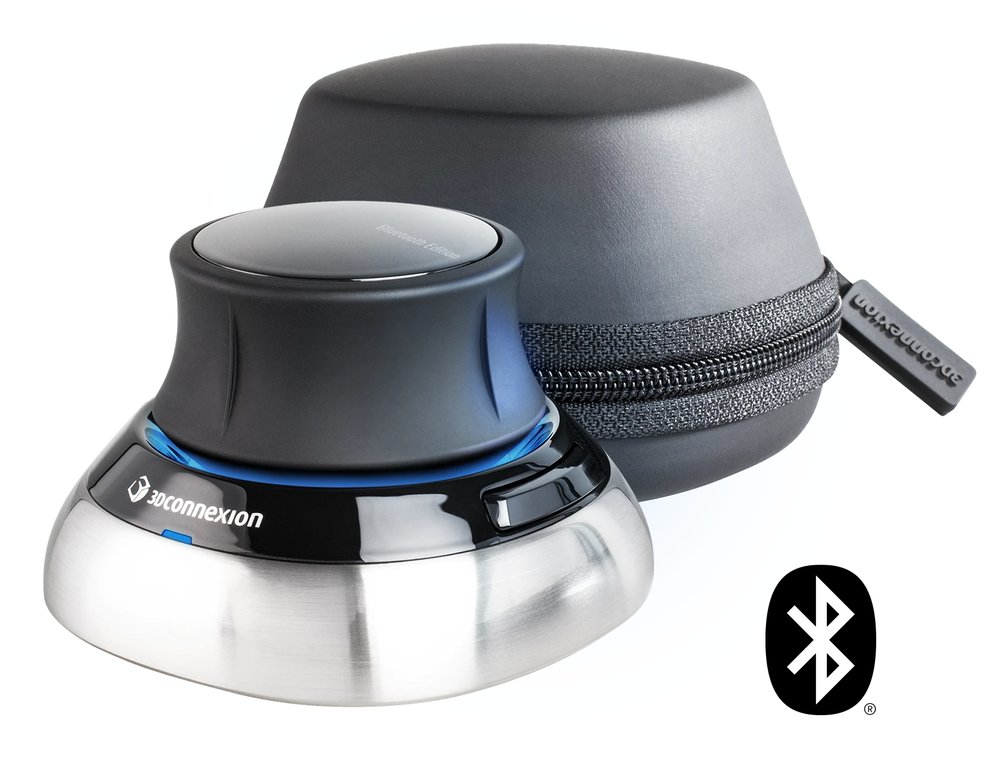
Our pick. On published specs it is the only SpaceMouse here that lists wireless connection options (2.4GHz, Bluetooth Low Energy and a USB-C cable) while keeping the compact body and two-button layout of the entry model, at $199. That is a middle price between the Compact and the Pro. This is a judgement from spec sheets, not from testing, and the Pro’s 15 keys may suit you better if you want shortcuts on the device itself.
3Dconnexion lists a 6-degrees-of-freedom sensor, 2 programmable buttons, a rechargeable lithium-ion-polymer battery rated for 1 month of battery life, a size of 78 × 78 × 53 mm and a weight of 450 g.
Image: 3Dconnexion (official website)
2. 3Dconnexion SpaceMouse Compact
3Dconnexion lists the SpaceMouse Compact at $179.00 as its entry model. It has a patented 6-degrees-of-freedom sensor and 2 programmable buttons, each opening its own radial menu. Radial menus need the 3DxWare 10 software, and a driver update may be required.
It measures 77 × 77 × 54 mm, weighs 480 g, works with Windows and macOS and carries a 3-year limited hardware warranty. The page does not state how it connects, so check that before buying if you need a cable-free desk.
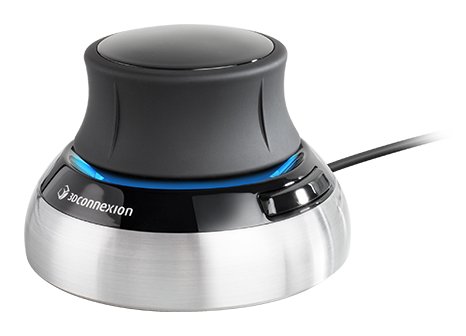 Image: 3Dconnexion (official website)
3. 3Dconnexion SpaceMouse Pro
3Dconnexion lists the SpaceMouse Pro at $299.00 with 15 programmable keys: 4 application command buttons, 4 keyboard modifiers (Ctrl, Alt, Shift, Esc), 4 QuickView keys, a rotation toggle key, a menu key and a fit key. It is the larger, keyboard-style layout in this list.
It measures 204 × 142 × 58 mm and weighs 665 g. The page does not state the connection type. There is also a wireless version, the SpaceMouse Pro Wireless, listed at $329.00 on 3Dconnexion’s SpaceMouse overview page.
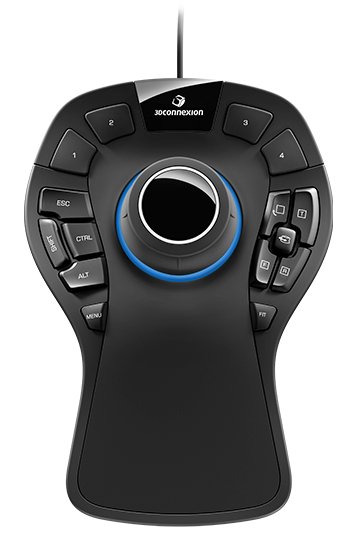 Image: 3Dconnexion (official website)
4. Logitech MX Master 4
Logitech lists the MX Master 4 at $119.99 on its US store. It is a regular right-hand mouse, not a 3D mouse, but it adds customisable haptic feedback, an Actions Ring for shortcuts at the cursor and an 8,000 DPI sensor that Logitech says tracks on glass of 4 mm or more.
Logitech lists 8 buttons, a MagSpeed scroll wheel and a thumb wheel, Bluetooth Low Energy 5.1 or the Logi Bolt USB receiver, a rechargeable 650 mAh battery rated for 70 days and a weight of 150 g. Customisation needs the Logi Options+ app on Windows or macOS.
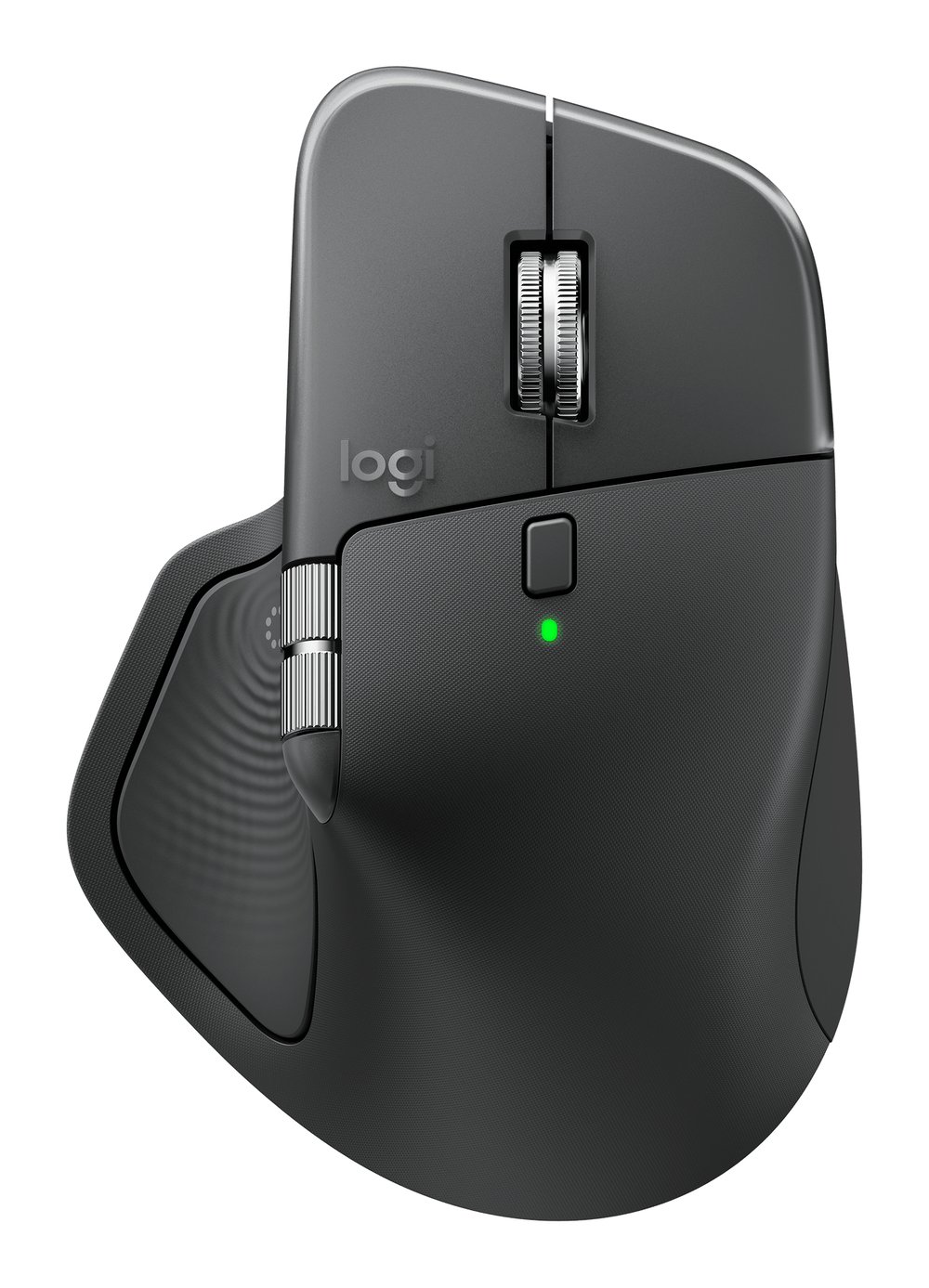 Image: Logitech (official website)
5. Logitech MX Creative Console
Logitech lists the MX Creative Console at $199.99. It combines a keypad with customisable LCD keys and a wireless dialpad with an aluminium dial, a roller and customisable keys. Logitech names integrations with Adobe Photoshop, Illustrator, Lightroom, Premiere Pro, Figma and others, and more plugins through its Logi Marketplace.
The keypad connects with a USB-C cable and the dialpad runs on 2 AAA batteries over Bluetooth Low Energy. It requires Windows 10 or later or macOS 13 or later and the Logi Options+ app. Logitech does not list SketchUp, Blender or other 3D tools among the named integrations, so check the marketplace for your software first.
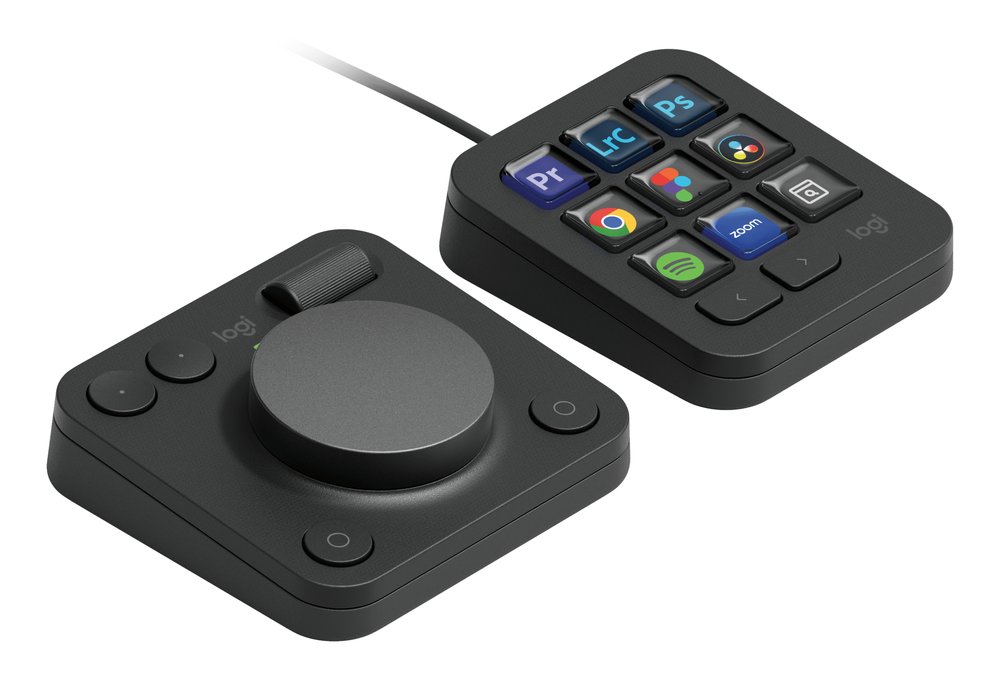 Image: Logitech (official website)