 Design
Best Colour Tools for Interior Designers in 2026: Colour Matching and Monitor Calibration
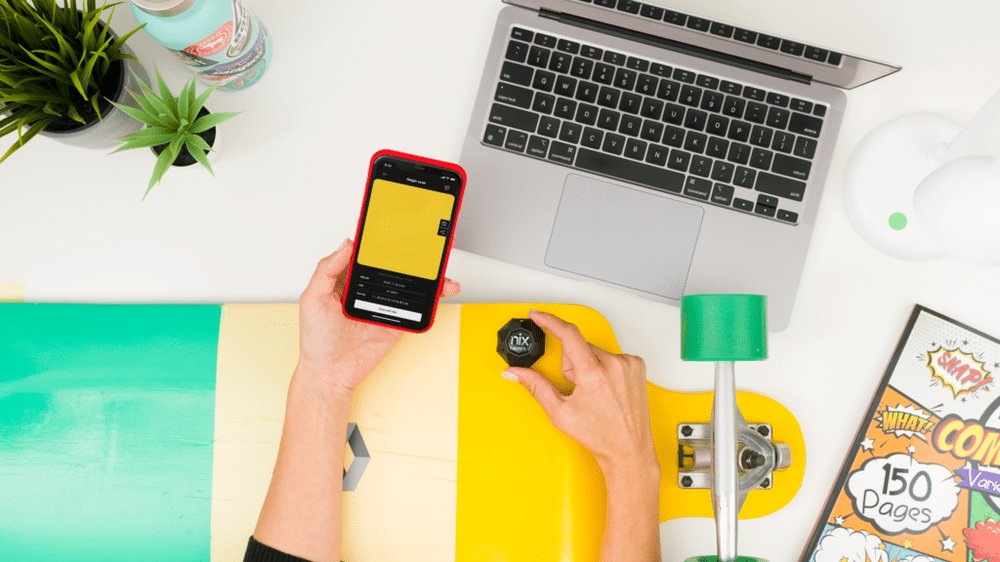
Colour is where a client presentation most often goes wrong. A wall colour measured on site has to be matched to a paint brand, and a fabric or finish shown on screen has to look the same on the client’s display as it does on yours. Two kinds of tool cover this. Handheld colour sensors measure a real surface, such as a painted wall or a swatch, and look up the closest match in a paint or colour library. Monitor calibration devices (colorimeters) measure your screen so your renders and mood boards show colours predictably.
How we chose
We picked five current products from three colour-technology makers, each listed on the manufacturer’s own website and read on 2026-10-14: two surface-colour sensors from Nix and three monitor calibrators from Calibrite and Datacolor. All specs and prices below come from those official pages only. We have not hands-on tested any of these devices. Prices are in US dollars where the manufacturer’s page publishes one; Datacolor’s page loads its prices dynamically (“Requesting price…”) and shows none in the page itself, so we list it as not published rather than take a figure from a retailer. Nix pages show a current price with a crossed-out earlier price, and we show both.
| Model | Type | Key published spec | Price if published |
|---|---|---|---|
| Nix Mini 3 | Surface colour sensor (colorimeter) | 200,000+ paint colours, HEX/RGB/CMYK codes, no calibration needed | $116 (listed before discount: $129) |
| Nix Spectro L | Surface colour sensor (spectrophotometer) | 9-channel spectral data, 400-700 nm, M0/M1/M2 modes, samples down to 16 mm | $629 (listed before discount: $699) |
| Calibrite Display Pro HL | Monitor calibrator | HL sensor measures up to 3,000 nits, LCD, mini-LED, OLED, Apple XDR | $279.00 |
| Calibrite Display Plus HL | Monitor calibrator | Plus HL sensor measures up to 10,000 nits, Apple Pro Display Calibrator support | $339.00 |
| Datacolor SpyderPro | Monitor calibrator | Calibrates up to 12,000 cd/m², 3D LUT (.cube) export, ambient light adjustment | Not published |
1. Nix Mini 3
Our pick. For colour matching on site it is the one product here that Nix itself markets to interior designers, contractors and architects, and it is by far the lowest-priced device in this roundup. Nix says it gives access to over 200,000 brand-name paint colours and needs no calibration. This is a judgement from the published pages, not from testing, and a 3-channel colorimeter is a different class of instrument from the spectrophotometer below.
Nix lists the Mini 3 at $116, down from $129, as a splash-resistant, wireless device with a 2-year warranty. You measure a surface and find the match in the free Nix Toolkit app (iOS and Android), which also returns RGB, HEX and CMYK codes. Premium colour systems including Pantone, RAL and NCS are offered as paid subscriptions, which are not included in the device price.
Image: Nix Sensor (official website)
2. Nix Spectro L
Nix lists the Spectro L at $629, down from $699, and describes it as a spectrophotometer / densitometer. It records 9-channel spectral data (upscaled to 31 channels) across 400-700 nm, uses eight LEDs including violet and ultraviolet, and offers M0, M1 and M2 measurement modes for use with optical brighteners. It can measure samples as small as 16 mm.
Nix positions it mainly for small and medium businesses in print, packaging and graphic arts, so for interior work it is relevant mostly where you need spectral data or quality-control checks on printed wallcoverings, textiles or custom samples. It works with the free Nix Toolkit app and Nix’s range of adapters for liquids, powders and soft surfaces, and has a 2-year warranty.
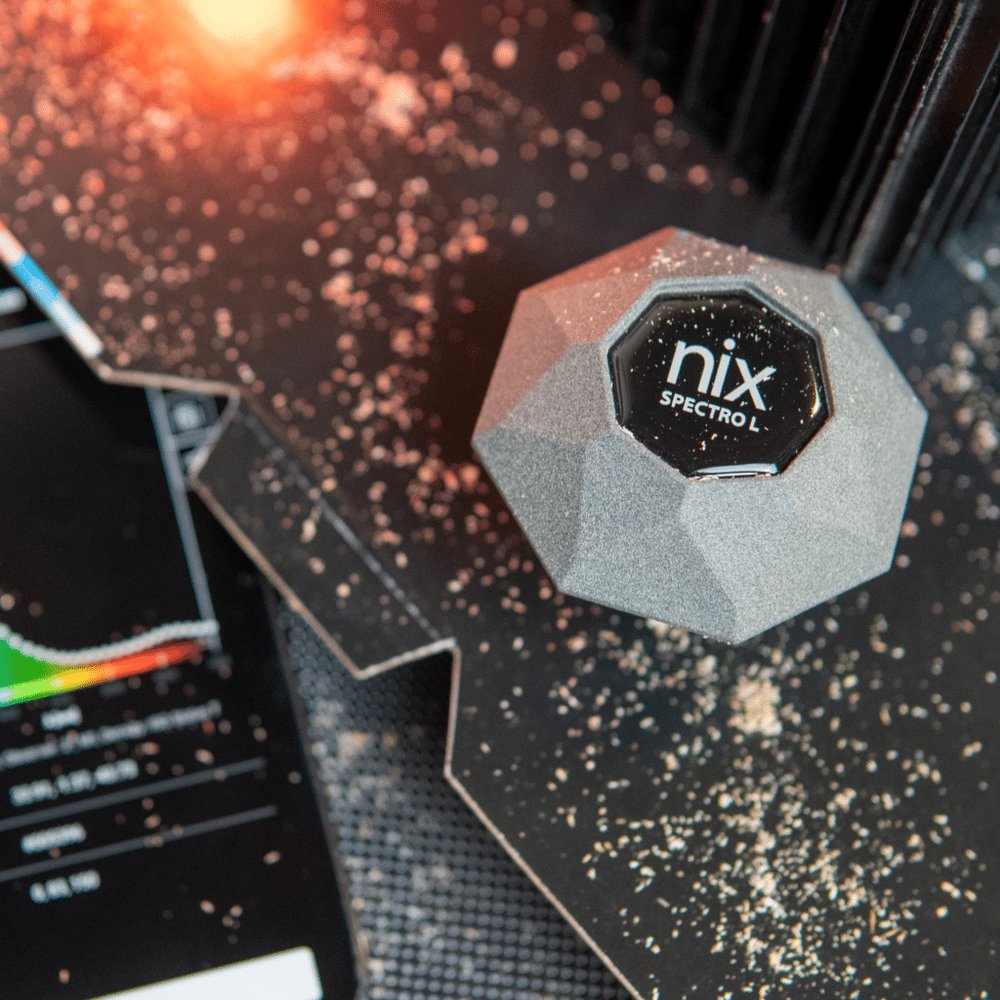 Image: Nix Sensor (official website)
3. Calibrite Display Pro HL
Calibrite lists the Display Pro HL at $279.00 and describes it as professional calibration for demanding creatives. Its HL (high luminance) sensor measures up to 3,000 nits and is stated to handle LCD, mini-LED and OLED displays including Apple XDR panels.
It works with Calibrite PROFILER software, which offers control of white point, luminance, contrast ratio and gamma, ambient light measurement, uniformity check, flare correction and multi-monitor profiling. It connects by USB-C with a USB-A adapter supplied. Calibrite lists a warranty of 24 months in the UK and EU and 12 months elsewhere.
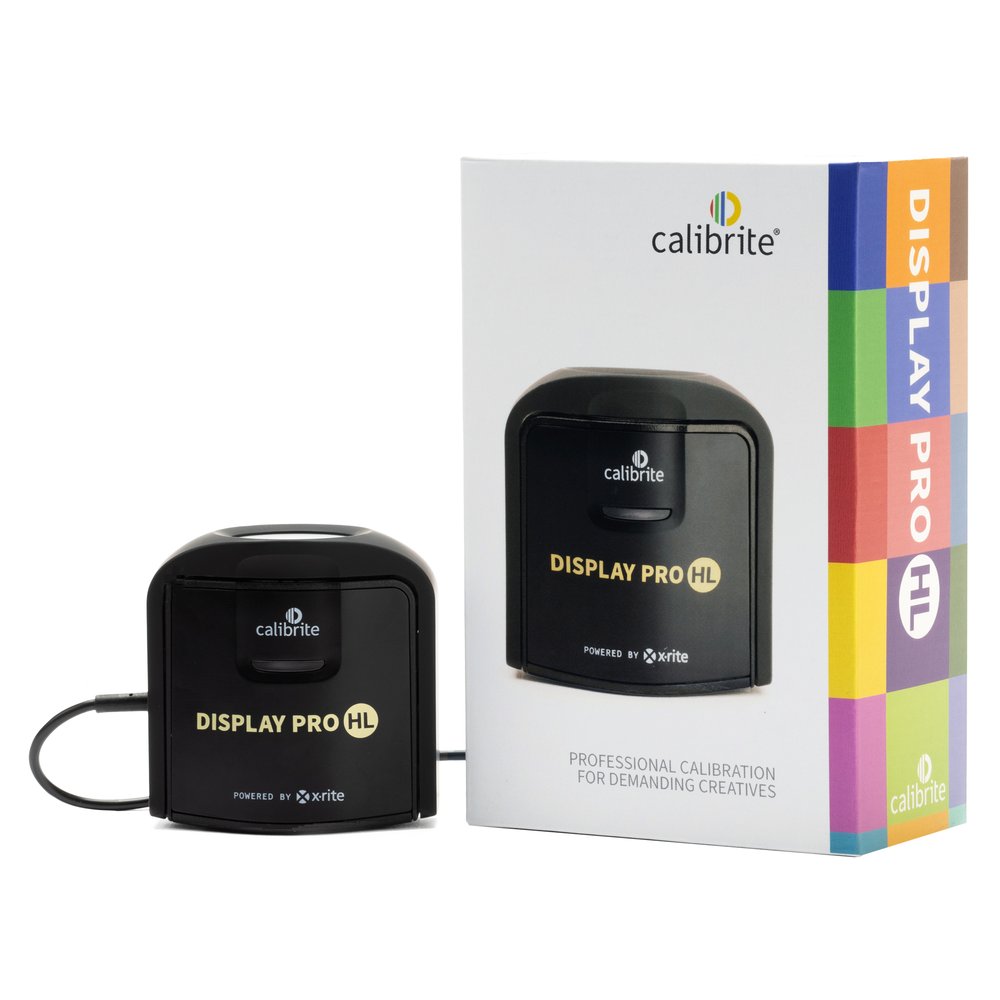 Image: Calibrite (official website)
4. Calibrite Display Plus HL
Calibrite lists the Display Plus HL at $339.00 and says its Plus HL sensor measures up to 10,000 nits for the brightest professional displays, including QD-OLED and XDR-class HDR screens. It uses the same Calibrite PROFILER software as the Pro HL.
Calibrite states it is the first and only colorimeter approved by Apple and that it integrates with Apple Pro Display Calibrator software on macOS Tahoe 26.4 or later, with hardware-level calibration for Apple Pro Display XDR, Studio Display and Apple Silicon MacBook Pro models. That matters mainly if your studio works on Apple displays or HDR screens; for a standard office monitor the Pro HL covers the basics.
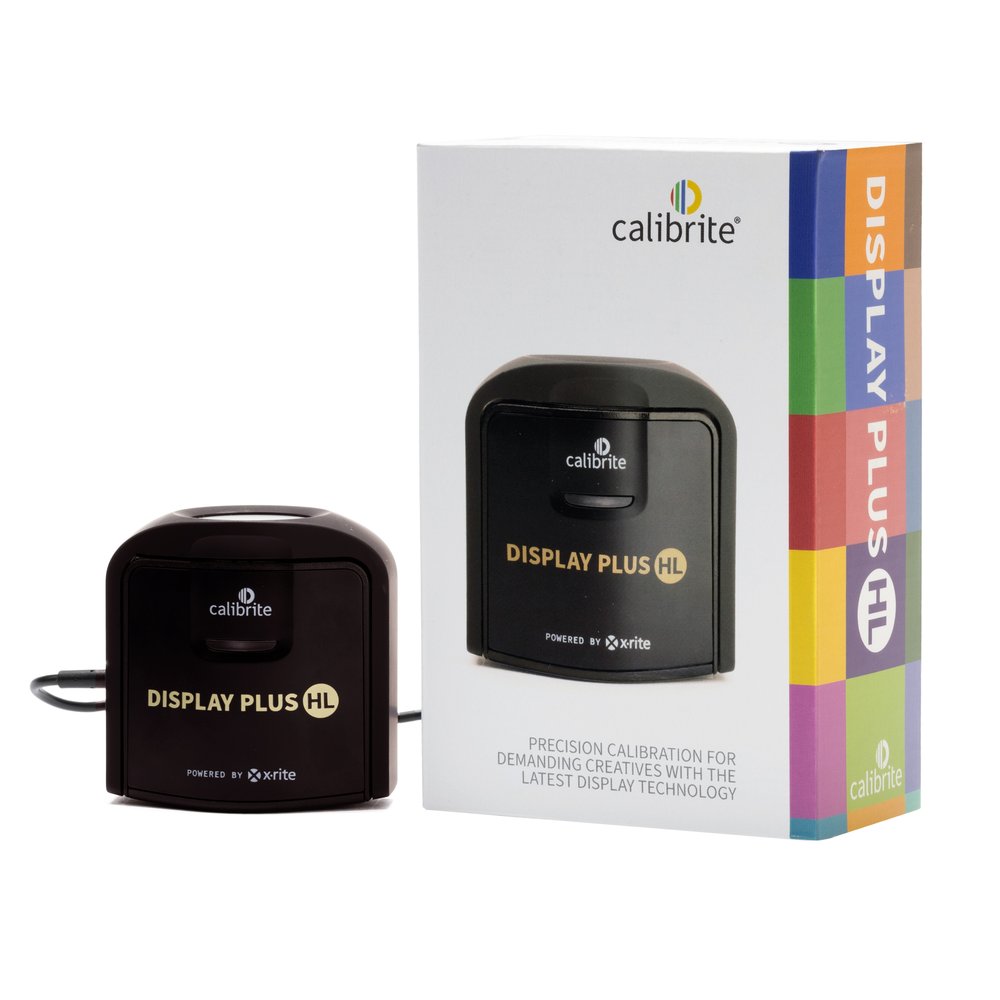 Image: Calibrite (official website)
5. Datacolor SpyderPro
Datacolor’s price for the SpyderPro is not shown on its page, which displays “Requesting price…”. It lists calibration of desktops and laptops, mini-LED, Apple XDR, OLED and QD-OLED displays, and a maximum measurable brightness of 12,000 cd/m². It supports an unlimited number of displays (per computer capability) and exports 3D LUTs in .cube format for video monitors.
Datacolor also lists ambient room light measurement, side-by-side multi-display matching (StudioMatch), a before and after calibration comparison and a photo preview tool for simulating other devices and print. The device weighs 142 g and connects by USB-C or USB-A. Datacolor says owners of earlier SpyderX, Spyder X2, Spyder and SpyderExpress hardware can upgrade the software.
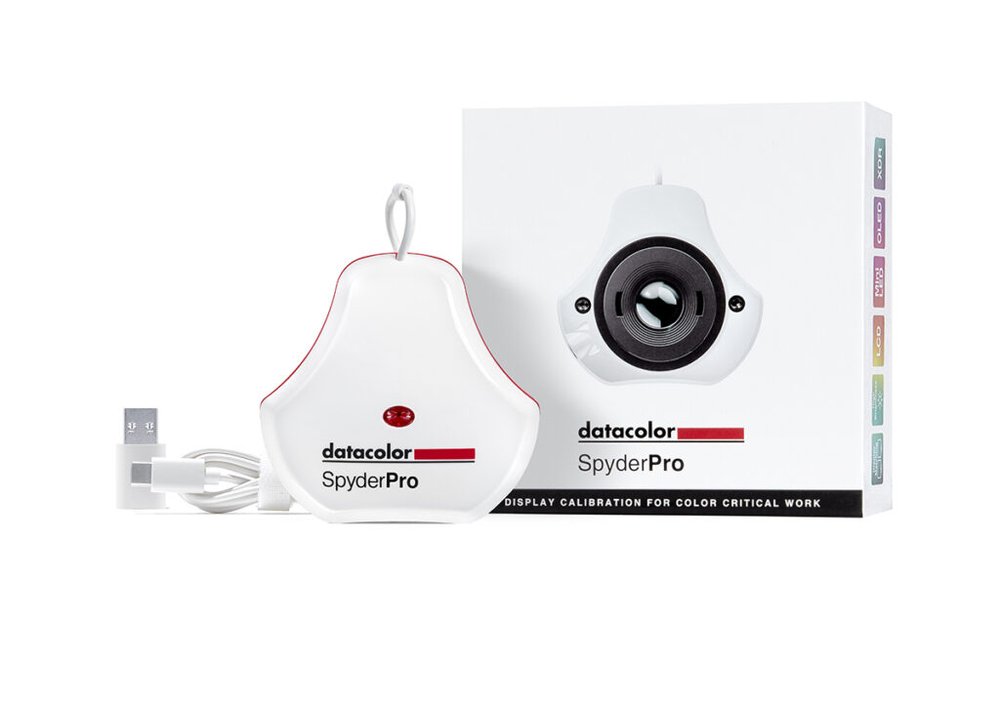 Image: Datacolor (official website)