 Design
Best Tablets and Drawing Devices for Interior Designers in 2026
Interior designers use tablets and pen displays at several stages of a project: sketching concepts by hand, marking up floor plans and photos on site, and showing mood boards or layouts to clients on a screen they can hold. A tablet with a stylus covers all three, while a pen display works as a drawing surface connected to a computer you already use.
How we chose
This roundup is based on manufacturer-published specifications from each brand’s own website. We have not hands-on tested these devices. We picked a mix of standalone tablets (Apple, Samsung) and pen displays that connect to a computer (Wacom, Huion), so you can compare both approaches. Prices change often and vary by storage and region, so we list a price only where the official page shows one.
| Model | Screen | Stylus | Key feature | Price if published |
|---|---|---|---|---|
| iPad Pro (M5) | 11” 2420x1668 or 13” 2752x2064, Tandem OLED | Apple Pencil Pro, Apple Pencil (USB-C) | M5 chip, ProMotion up to 120Hz | Not shown on specs page |
| iPad Air (M4) | 11” 2360x1640 or 13” 2732x2048, Liquid Retina | Apple Pencil Pro, Apple Pencil (USB-C) | M4 chip, Apple Pencil hover | Not shown on specs page |
| Samsung Galaxy Tab S11 Series | 11” (S11) or 14.6” (S11 Ultra), Dynamic AMOLED 2X | S Pen included | Android tablet with S Pen in the box | Not clearly listed per model |
| Wacom Movink | 13.3” 1920x1080 OLED | Wacom Pro Pen 3 | 4 mm thin, 420 g pen display | Not shown on product page |
| Huion Kamvas Pro 16 V2 | 15.6” 1920x1080 | PW600A battery-free pen, 16,384 pressure levels | Full-lamination etched glass, 6 press keys and touch strip | Not shown on product page |
Our pick: iPad Air. On paper it offers the same Apple Pencil Pro and Apple Pencil (USB-C) support as the iPad Pro, a 13-inch size option with a 2732x2048 display, and a current M4 chip, while the iPad Pro’s published extras (Tandem OLED, M5, up to 120Hz) are mainly relevant if you need the brightest display or the most processing headroom. This is a judgment from the specs, not from testing.
1. iPad Pro (M5)
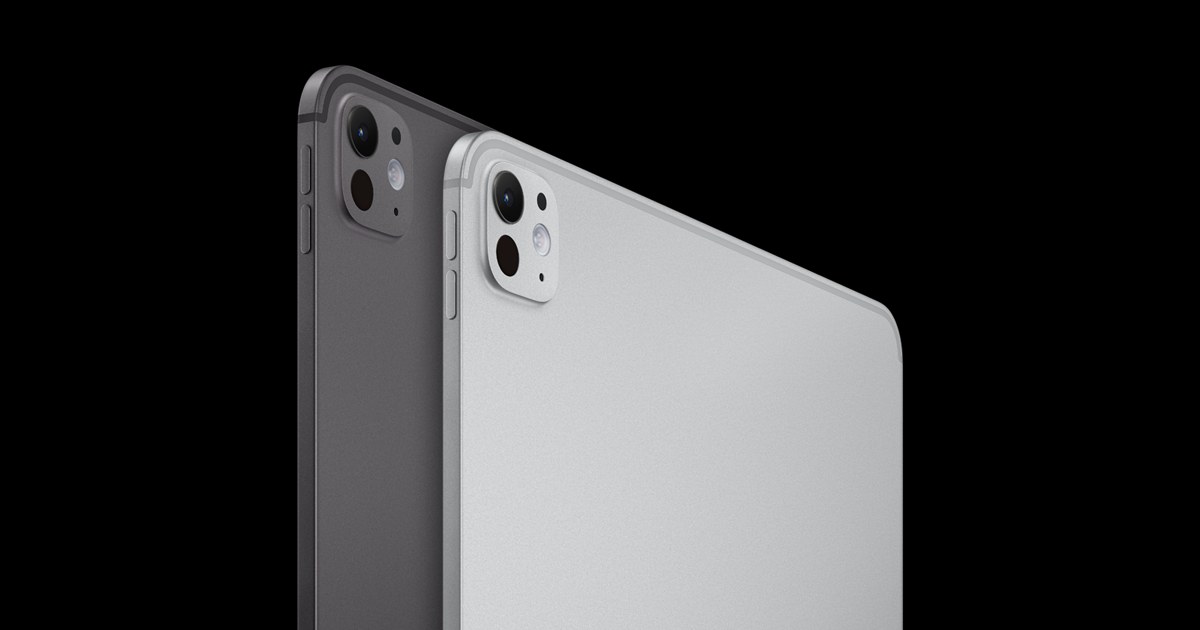
Apple lists the iPad Pro in 11-inch (2420x1668) and 13-inch (2752x2064) sizes, both with a Tandem OLED Ultra Retina XDR display and ProMotion refresh rates from 10Hz to 120Hz. It supports Apple Pencil Pro and Apple Pencil (USB-C), including Apple Pencil hover, and is powered by the Apple M5 chip. Because it runs iPadOS, it works with iPad apps such as Morpholio Trace. Apple also offers a nano-texture display glass option on 1TB and 2TB models.
Image: Apple (official website)
2. iPad Air (M4)
The iPad Air comes in 11-inch (2360x1640) and 13-inch (2732x2048) models with a Liquid Retina IPS display, wide color (P3), True Tone, full lamination and an antireflective coating. Apple lists support for Apple Pencil Pro and Apple Pencil (USB-C), with Apple Pencil hover, and the Apple M4 chip. Brightness is published as 500 nits (11-inch) and 600 nits (13-inch).
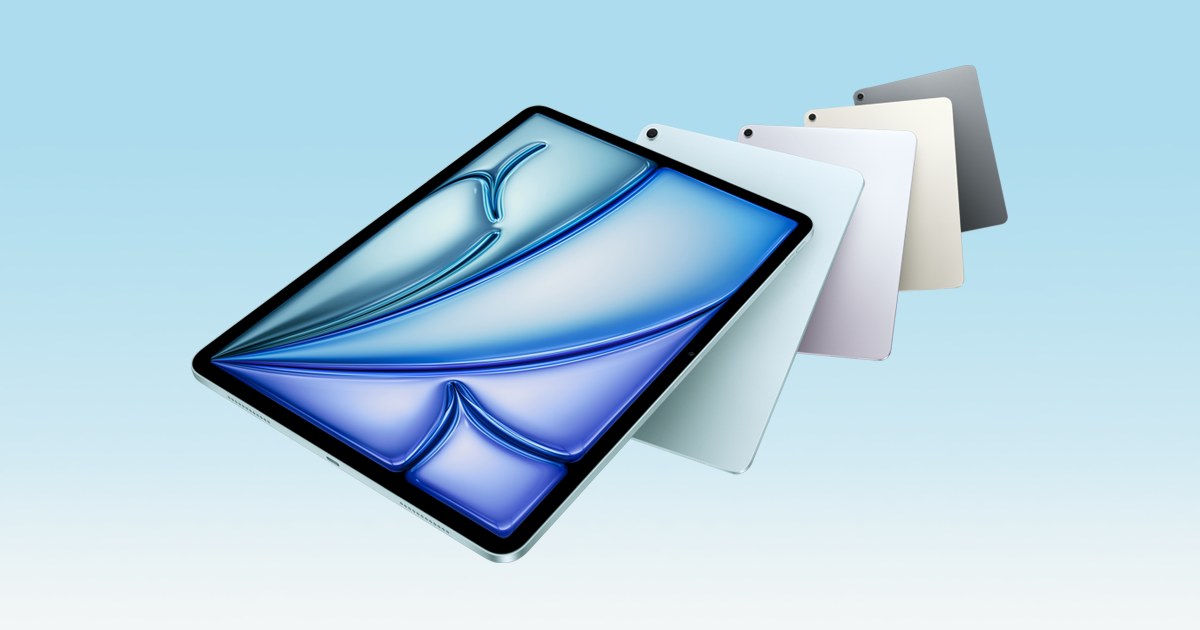
Image: Apple (official website)
3. Samsung Galaxy Tab S11 Series
Samsung’s Galaxy Tab S11 Series page lists Dynamic AMOLED 2X displays in 11-inch (S11) and 14.6-inch (S11 Ultra) sizes, and describes a redesigned S Pen that is included with the tablet. Samsung also advertises up to 1600 nits of HDR peak brightness and quick access to pen tools from the S Pen. It is the Android option on this list.
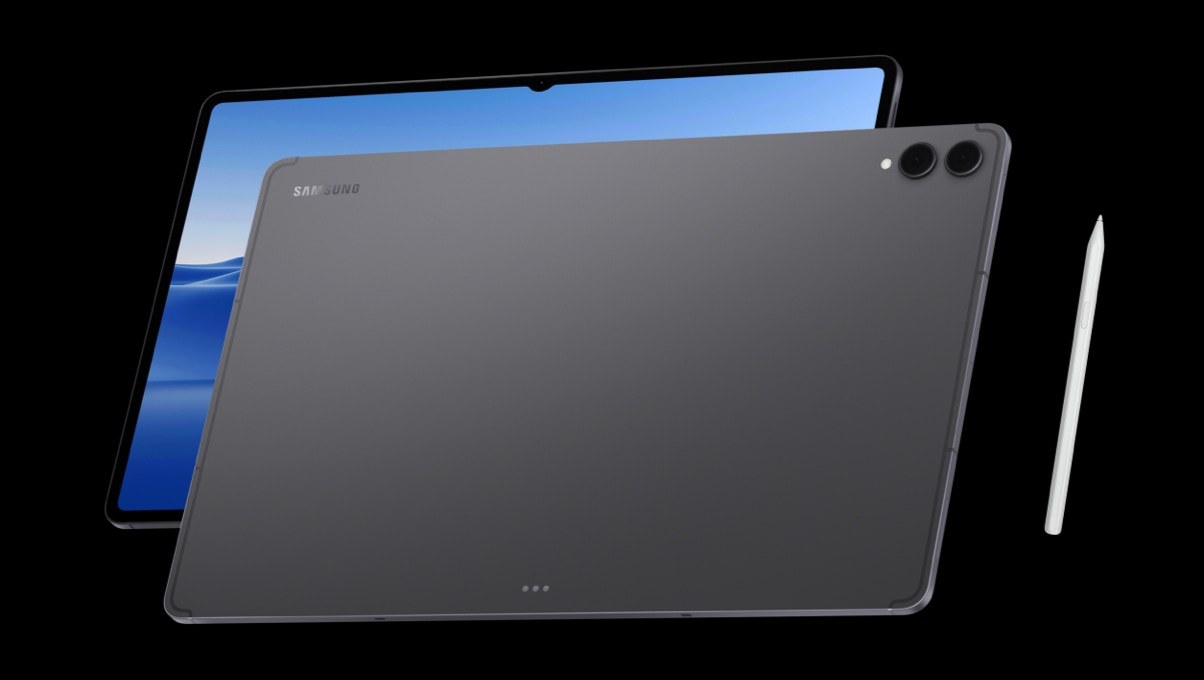
Image: Samsung (official website)
4. Wacom Movink
The Wacom Movink is a 13.3-inch pen display with Wacom’s first OLED panel (1920x1080), 4 mm thick and 420 g. Wacom lists 100% DCI-P3 and 95% Adobe RGB typical coverage, Pantone Validated and Pantone SkinTone Validated certification, and a single-cable connection. It uses the Wacom Pro Pen 3 (third-party compatible pens are also listed) and has touch keys plus a tablet button for ExpressKeys. It needs a computer to run your design software.
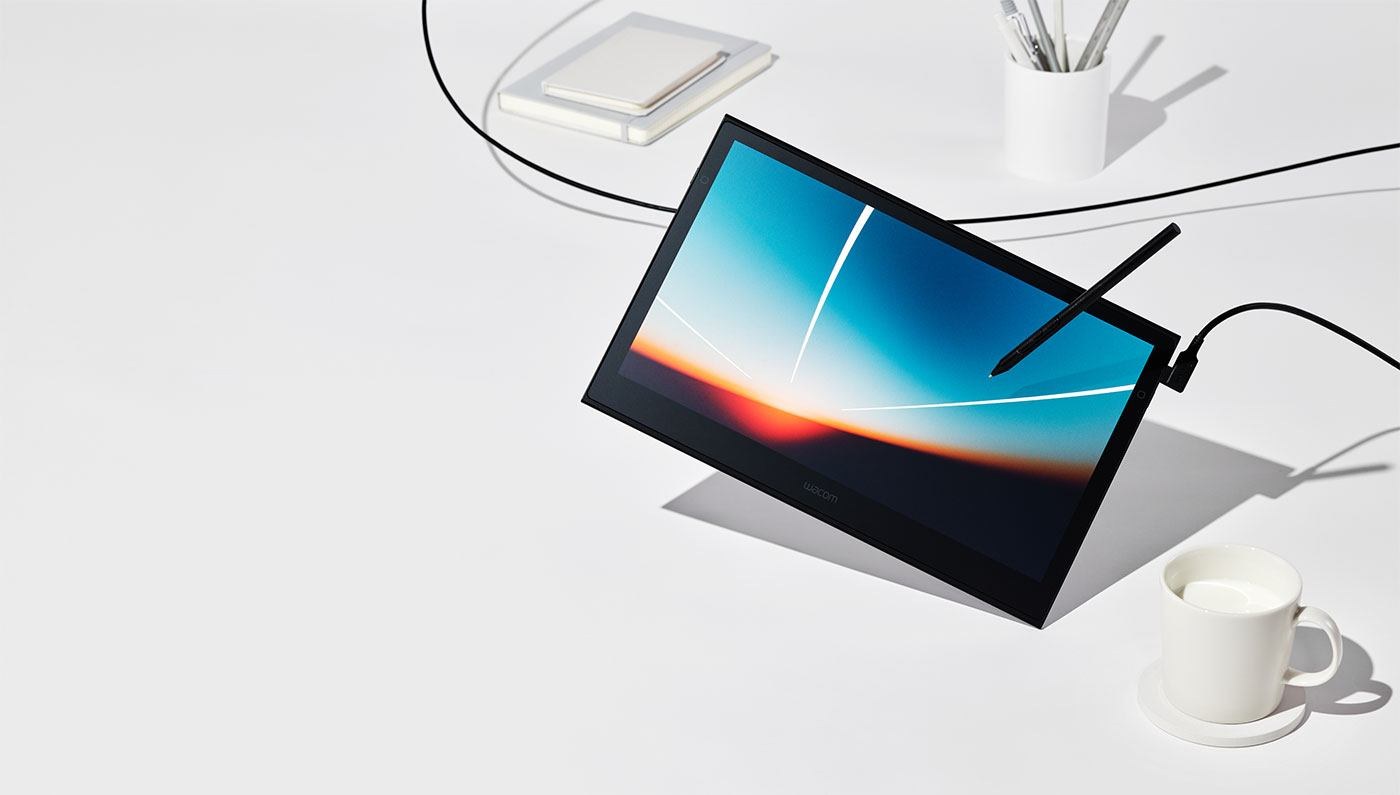
Image: Wacom (official website)
5. Huion Kamvas Pro 16 V2
Huion describes the Kamvas Pro 16 V2 as a 15.6-inch, 1920x1080 pen display with 99% sRGB and 99% Rec.709 coverage and full-lamination nano-etched Canvas Glass. Its PW600A pen is battery-free with 16,384 pressure levels and +/-60 degree tilt support. It has 6 press keys and a touch strip, and the box includes a cable, stand, spare nibs, pen holder and glove. Like the Wacom, it connects to a computer.
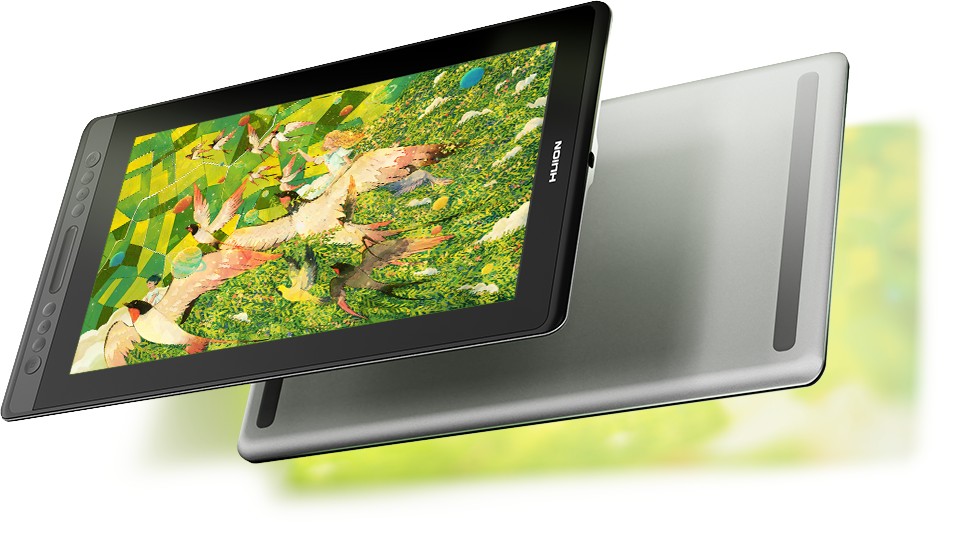
Image: Huion (official website)