 Design
D5 Render Review 2026: Real-Time Rendering with a Free Tier
Quick take
Best for: Architecture, interior and landscape designers who want real-time rendering, animation and interactive presentations, with a free Community tier for non-commercial use.
Not ideal if: Anyone needing commercial output on a free plan, since Community is non-commercial only, or users who want a purpose-built interior planner rather than a rendering app.
Our verdict: D5 Render offers a free non-commercial tier and published Pro and Teams prices, with broad CAD plug-in support. Output quality and performance are the vendor's claims, which we have not tested.
Based on the vendor’s published information; hands-on notes will be added.
What it is
D5 Render is a real-time rendering application from D5. The vendor presents it as part of a family that includes D5 Lite (a visualization plugin with AI mode) and D5 Works (an asset library).
Who it’s for
Architecture, interior and landscape designers who want rendering, animation and interactive presentations. The vendor lists SketchUp, Revit, Rhino, 3ds Max, Cinema 4D, Archicad, Blender and Vectorworks as supported tools.
Key features
- Scene editing: PBR material editing, lighting controls, terrain and ocean, scatter and path tools.
- Image and panorama output up to 16K; video up to 4K on Community and Pro, 8K on Teams.
- Panorama, spatial and interactive presentation tours.
- AI features, including an AI agent, with limits that vary by plan.
- Official assets: 2,100+ on Community, 16,000+ on Pro and Teams.
- Teams adds multi-editor scene editing, comments, member access control and 100 GB cloud space.
Pricing
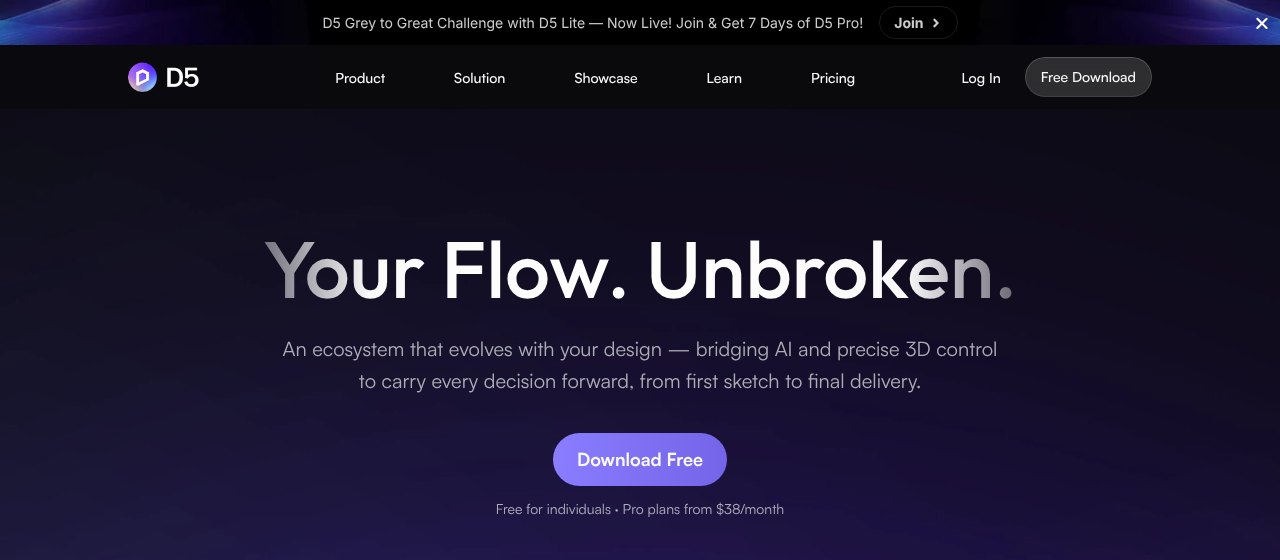
As of 12 October 2026 the D5 site states “Free for individuals” and “Pro plans from $38/month”. The pricing page lists Community, Pro, Teams and Education plans; Education is free for students and educators. On the pricing page, read in a rendered browser on 13 October 2026 (USD; tax treatment not stated), Pro is shown at $30/month on the Yearly option ($360/year, “Save 20%”) and Teams at $59/month per seat ($708/year, “Save 21%”). Enterprise is by contacting sales. I could not read a separate monthly-billing Pro price, so the homepage’s “from $38/month” is quoted as published without further detail.
The Community license is for non-commercial use (learning, personal projects, evaluation); commercial work requires Pro.
Pros
- Free Community plan with unlimited scenes.
- Free education plan.
- Detailed plan comparison table.
Cons
- Community is limited per the comparison table: 1 tour and 1 presentation, limited AI agent use, 2,100+ official assets and 10 GB cloud space.
- Commercial use needs a paid plan.
- A monthly-billing Pro price was not readable; the $30 figure is for yearly billing.
Alternatives
Enscape and Lumion are paid real-time alternatives.
FAQ
Is D5 Render free? The Community plan is free, includes unlimited projects and is for non-commercial use; commercial work needs Pro (d5render.com, read 13 October 2026).
What does Teams add over Pro? Per the pricing page: multi-editor scene editing across cloud drives, member access control, a shared project and asset library and 100 GB of team cloud storage.
Is there an education option? Yes. The vendor lists D5 for Education for students, educators and academic institutions, with an application process.