 Design
Interior AI Review 2026: Photo-to-Redesign Tool With Subscription Plans
Quick take
Best for: Homeowners, real-estate marketers and designers who want fast style variations or virtual staging from a photo, sketch or SketchUp screenshot.
Not ideal if: Anyone who needs measured floor plans, drawings or documentation, or who wants a free tier, since the pricing section shows paid plans only.
Our verdict: Interior AI's published pitch is quick AI redesigns from an uploaded photo, with several modes and a commercial licence on every listed plan. From the pricing page alone it is a concept-visualisation tool and a subscription commitment, so check output quality before paying.
Based on the vendor’s published information; hands-on notes will be added.
What it is
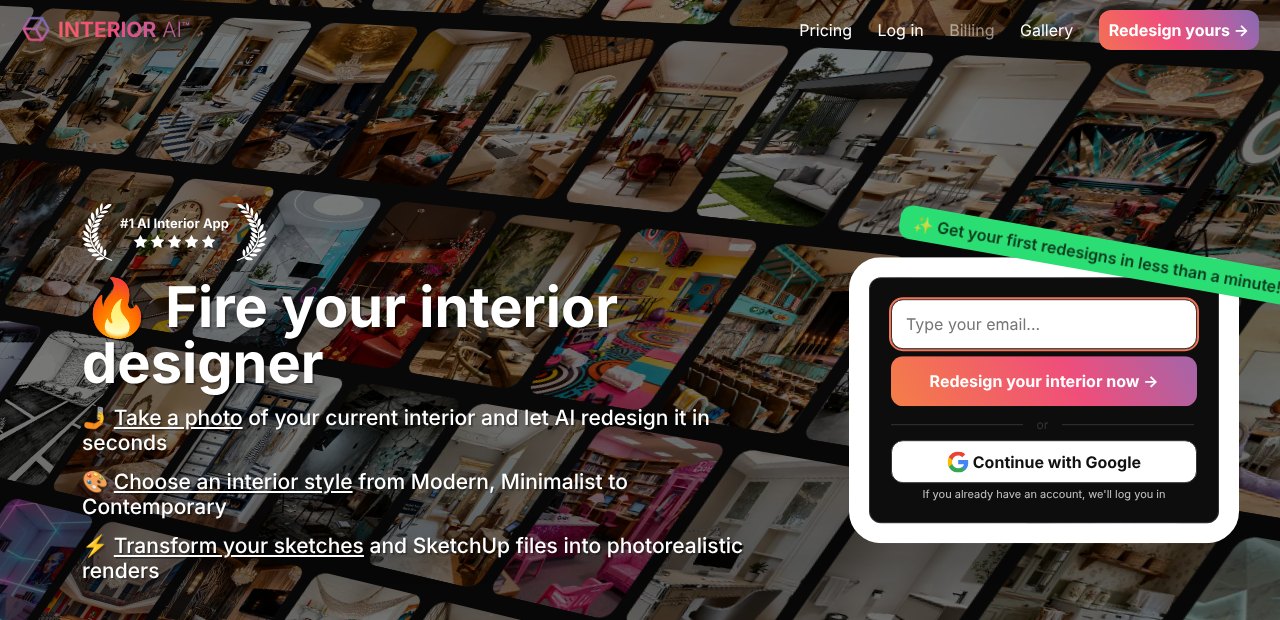
Interior AI is a web app that takes a photo of a room and generates redesigned versions of it. Its homepage says you can redesign, furnish or reimagine interiors, exteriors and gardens, and get first results “in less than a minute.”
Who it’s for
The site targets homeowners and professionals who want fast visual ideas, and it names real-estate virtual staging (furnishing empty homes) as a use case. For a designer, it is a concept-visualisation tool rather than a drawing or documentation tool.
Key features
- Upload a photo, or a sketch or SketchUp screenshot, and choose a room type and a style.
- Modes listed on the site include interior design, style transfer, virtual staging, sketch-to-image, SketchUp screenshot, outdoor design and “empty the space.”
- A custom-style option lets you upload a reference photo of a style you like.
- Higher plans list editing tools (paint walls, change lighting, add furniture or people, upscale) and walkthrough video generation.
Pricing
Published on interiorai.com on 12 October 2026, in USD (the site does not state VAT treatment):
| Plan | Monthly billing | Yearly billing (per month) | Designs per month |
|---|---|---|---|
| Pro | $49 | $29 ($349/year) | 1,000 |
| Premium | $99 | $49 ($599/year) | 5,000 |
| Ultra | $199 | $99 ($1,199/year) | 25,000 |
Pro includes a commercial use licence. Render quality, parallel renders and extra tools rise with each plan. We did not find a free plan on the page.
Pros
- Quick way to produce style variations from an existing photo.
- Commercial use licence listed from the lowest plan.
- Virtual staging and sketch inputs are covered.
Cons
- Subscription only, with no free tier visible on the pricing section.
- Editing tools, video and higher render quality sit on the Premium and Ultra plans.
- The vendor flags its prompt feature as experimental and says it may give random or bad results.
FAQ
How long does a design take? The vendor’s FAQ says it takes about 25 seconds to design one interior and that you can render up to 16 designs at the same time.
What file types are accepted? JPG, PNG, WebP and AVIF. HEIC is not supported, so those photos need converting to JPG first, per the FAQ read 13 October 2026.
What happens to my photos? The vendor says it uses your photos only to create the renders, does not train on them, and that uploads and renders are accessible only by you.
Alternatives
See Homestyler, Coohom or Foyr Neo for design tools that start from a floor plan rather than a photo.