 Design
RoomSketcher Review 2026: Pricing, Features and Alternatives
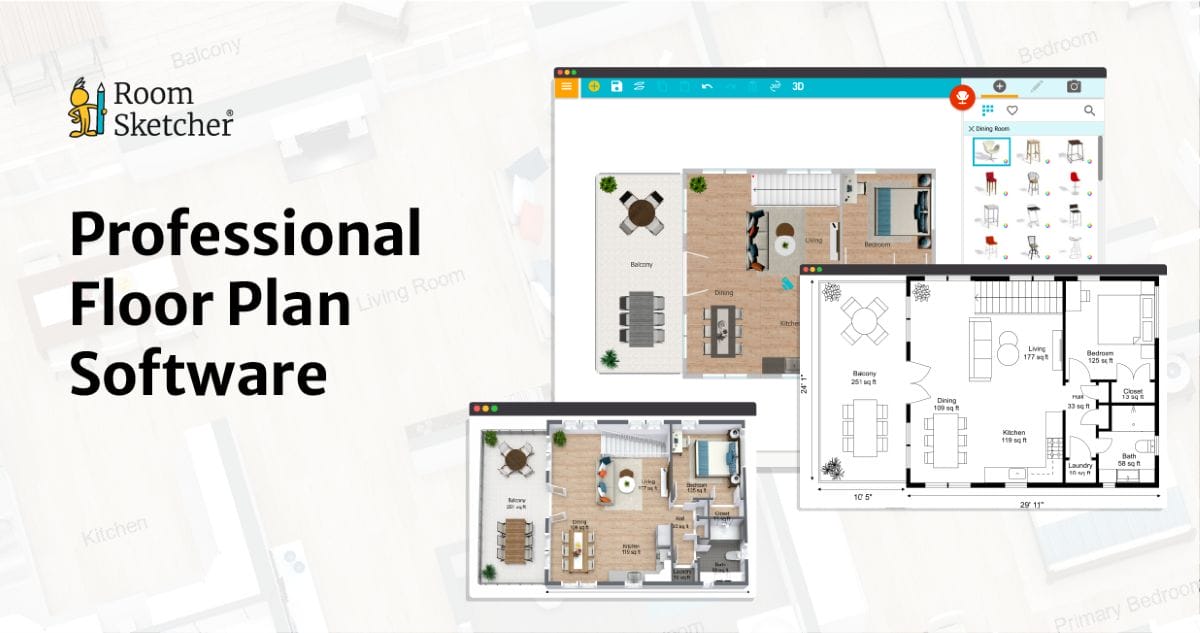
Quick take
Best for: Home stylists, designers and real estate users who mainly need scaled 2D and 3D floor plans and simple visuals, and who want a free plan to start with.
Not ideal if: Users who need detailed custom modelling or high-end rendering, or who want unlimited output without tracking monthly credits.
Our verdict: RoomSketcher looks like an accessible route to floor plans and basic 3D visuals, with a free plan and a low-cost Pro tier. Output is governed by monthly credits, so estimate your volume before committing.
Based on the vendor’s published information; hands-on notes will be added.
What it is
RoomSketcher is an online floor plan and home design tool. It produces 2D and 3D floor plans and 3D photos, and also offers an AI floor plan conversion feature (one conversion is included in the free plan, per the vendor).
Who it’s for
Designers, home stylists and real estate users who mainly need floor plans and simple visuals.
Key features
- 2D and 3D floor plans and 3D photos.
- A credit system: Pro includes 5 credits per month and Team 20, replenished on the 1st of each month. Credits are used to create projects, floor plans, 3D Photos and other outputs; more can be bought.
- Pay-per-item options are also listed on the pricing page (for example $4 per render).
Pricing
Published on RoomSketcher’s pricing page read 13 October 2026 (USD, excluding VAT/tax):
- Free: $0, with one free AI floor plan conversion.
- Pro: $24/month billed monthly, or $12/month billed as $144 per year.
- Team: $70/month billed monthly, or $35/month billed as $420 per year; 5 users and 20 credits per month included.
- Enterprise: custom pricing.
The Free plan lists 2 starter credits; Pro and Team add a full furniture library, branding and print to scale.
Pros
- Free plan to start with.
- Low entry price for Pro.
- Annual billing is half the monthly rate.
Cons
- Output volume is capped by monthly credits.
- Focused on plans and visuals rather than full rendering or detailed modelling.
FAQ
Is RoomSketcher free? The vendor says a Free subscription gives access to basic features so you can try drawing floor plans, and you can upgrade at any time (pricing page FAQ, read 13 October 2026).
What are credits? Credits are RoomSketcher’s currency, used to create projects, generate floor plans, 3D Photos, 360 Views and more.
How can I pay? By credit or debit card or other methods available for your location, such as PayPal and Amazon Pay; transactions are handled by FastSpring as Merchant of Record.
Alternatives
- Planner 5D for a larger furniture catalogue.
- Foyr Neo for rendering-focused work.
- Sweet Home 3D for a free, offline option.