 Design
Best Rendering Software for Interior Designers in 2026

Rendering turns a model into the image a client says yes to. The right tool depends on where your model lives: in CAD/BIM software, or in an all-in-one design app.
How we chose
We compared published prices, free options and the workflow each tool describes. We have not benchmarked render quality or speed.
| Tool | Price | Free option |
|---|---|---|
| D5 Render | Pro $30/month (yearly) — homepage says from $38/month | Yes |
| Enscape | Solo $47.90/month, billed annually | No |
| Lumion | Pro named user $1,149/year | No |
| Foyr Neo | From $39/month (Basic) | Trial |
| Blender | Free | Yes |
1. D5 Render — Our pick for low cost
Real-time rendering with a free Community plan (non-commercial) and Pro plans from $38/month. The lowest cost of entry on this list.
Image: Screenshot of the official website, 12 October 2026
2. Enscape — Our pick for CAD/BIM workflows
Works inside your CAD or BIM application, so model changes show in the rendered view as you make them. Solo is $47.90/month billed annually.

Image: Chaos (official website)
3. Lumion
Real-time rendering from a CAD or BIM model, with AI tools and a cloud space for review. Pro named user is $1,149/year.

Image: Lumion (official website)
4. Foyr Neo — Our pick for all-in-one
Combines 2D planning, 3D modelling and rendering in one app, aimed at interior designers. From $39/month with a 14-day free trial.
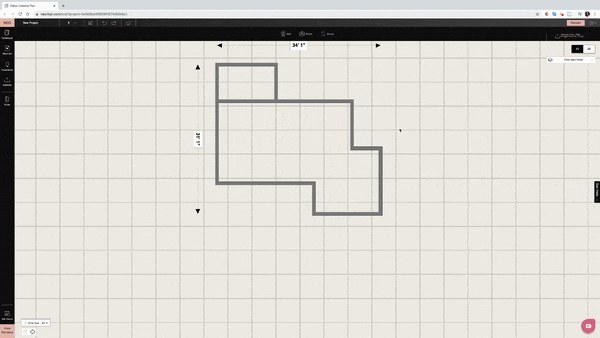
Image: Foyr (official website, product demo)
5. Blender
Free and powerful, but a general 3D tool: expect to build and light scenes yourself.

Image: Blender Foundation / blender.org (website content licensed under Creative Commons Attribution, with exceptions per blender.org)
Based on prices and features published on each vendor’s own site (read 12 October 2026). We have not yet tested these tools hands-on; each review says what is and is not verified. Prices in USD excluding tax unless stated.