 Design
magicplan Review 2026: Mobile Floor Plan Capture and Site Documentation
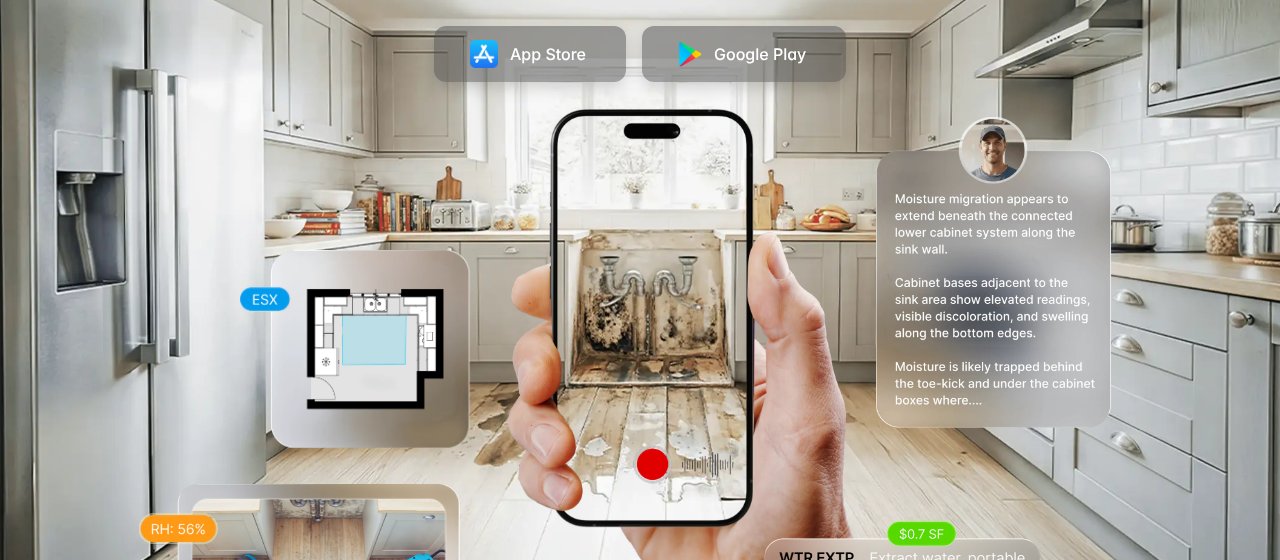
Quick take
Best for: Restoration contractors and field teams who need to capture floor plans, photos and scopes on a phone or tablet and hand them to the office or an Xactimate workflow.
Not ideal if: Interior designers who want a design, rendering or client-presentation tool; the vendor positions magicplan for restoration work, not design.
Our verdict: magicplan looks like a strong fit for on-site capture and documentation in restoration, with unlimited users and all features in every plan. For design work it is a poor match, and its per-project pricing needs checking against your expected job volume.
Based on the vendor’s published information; hands-on notes will be added.
What it is
magicplan is a mobile app for capturing floor plans and documenting a property. The vendor’s current homepage positions it as restoration workflow software that connects field work to the office, with Xactimate integration. Its pricing page also lists general features such as real-time floor plans and built-in estimating.
Who it’s for
The vendor’s marketing is aimed at restoration teams. Interior designers could use the floor plan and photo-documentation features, but the product is not marketed to them on the pages we read.
Key features
- Real-time floor plan creation on a phone or tablet, with manual and laser-assisted measurements; LiDAR scanning on iOS Pro devices.
- Unlimited photos, videos and 360 images attached to rooms or items, with notes, tags and annotations.
- PDF reports and shareable project links.
- Built-in estimating with price lists and quantities calculated from sketches.
- Scope of Work tool (listed as early access on the pricing page) with Xactimate export.
- Offline mode, unlimited cloud storage and API access; unlimited users.
Pricing
Priced per project, not per user. The pricing page, read 13 October 2026 (USD, billed monthly, unused projects roll over), has a plan selector for 10 to 100+ projects per month. At 10 projects per month it listed:
| Plan | Term | Per project | Per month |
|---|---|---|---|
| PRO24 | 24 months | $25 (38% off) | $250 |
| PRO12 | 12 months | $30 (25% off) | $300 |
| PROFlex | Month to month | $40 | $400 |
We did not read the amounts for other project counts. The page states that all features, unlimited users and unlimited square footage are included in every plan.
Pros
- Works on a phone or tablet with no extra hardware.
- All features are stated to be included in every plan, with unlimited users.
- Offline mode for on-site work.
Cons
- Marketing focus is restoration, not interior design.
- Priced per project; PRO12 and PRO24 carry 12- and 24-month contract terms.
- Scope of Work is marked early access or coming soon.
FAQ
Does magicplan work on a computer? Per the vendor’s help centre (read 13 October 2026), a computer gives access to the magicplan cloud, where desktop editing is an optional beta feature. New floor plans are created in the app on a compatible smartphone or tablet.
How do I cancel? The help centre says subscriptions bought in the cloud can be set not to auto-renew, and access then continues to the end of the billing cycle. PRO12 and PRO24 contracts can only be cancelled in the last month of the term, and payments are listed as non-refundable.
What happens after a paid plan ends? You become a free user and keep two projects editable; the rest stay in the account as read-only, according to the vendor.
Alternatives
RoomSketcher and Floorplanner are floor plan tools aimed at designers.