 Design
Best Free Interior Design Software in 2026
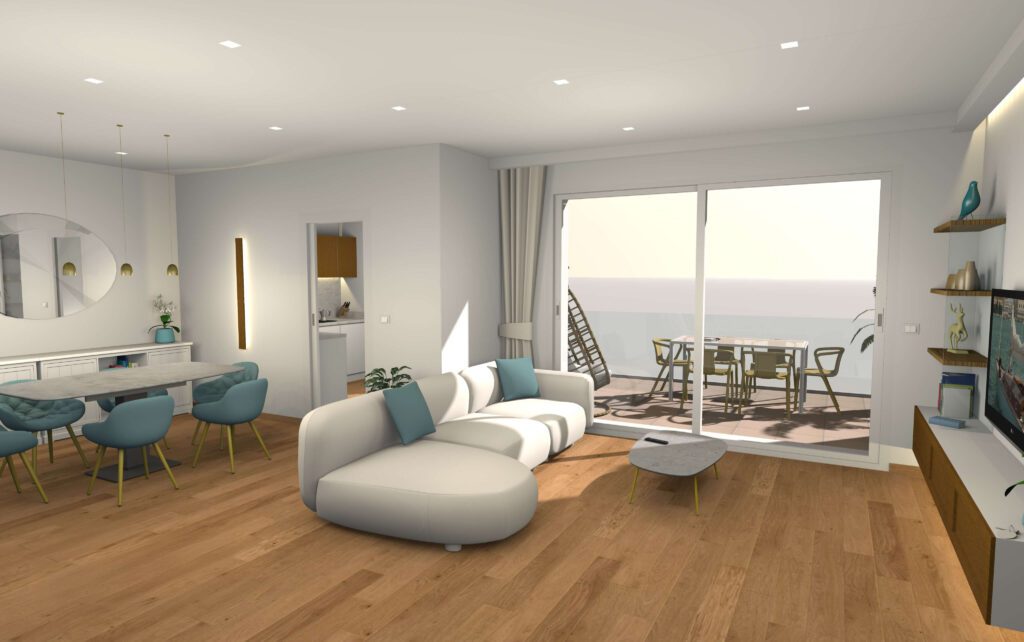
You can plan and visualise a room without paying. These are the tools we reviewed that are free or have a free plan, along with the catch in each.
How we chose
We included tools with a free plan or a free licence and noted the limits the vendor states (project caps, watermarks, non-commercial use).
| Tool | Price | Free option |
|---|---|---|
| Sweet Home 3D | Free, open source | Yes |
| Homestyler | Pro+ from $6.8/month | Yes |
| RoomSketcher | Pro $24/month, or $12/month billed $144/year | Yes |
| Floorplanner | Free; Plus $5/month, Pro $29/month (credits-based) | Yes |
| D5 Render | Pro $30/month (yearly) — homepage says from $38/month | Yes |
| Blender | Free | Yes |
1. Sweet Home 3D — Our pick
Free and open source, for drawing a plan, placing furniture and viewing it in 3D. Runs on Windows, macOS, Linux, iOS, Android and in a browser. The simplest no-cost start.
Image: eTeks (official website)
2. Homestyler
The Basic plan is free. Cloud-based with a large furniture library.
Image: Homestyler (official website)
3. RoomSketcher
Free plan for one user, with watermarked snapshots.
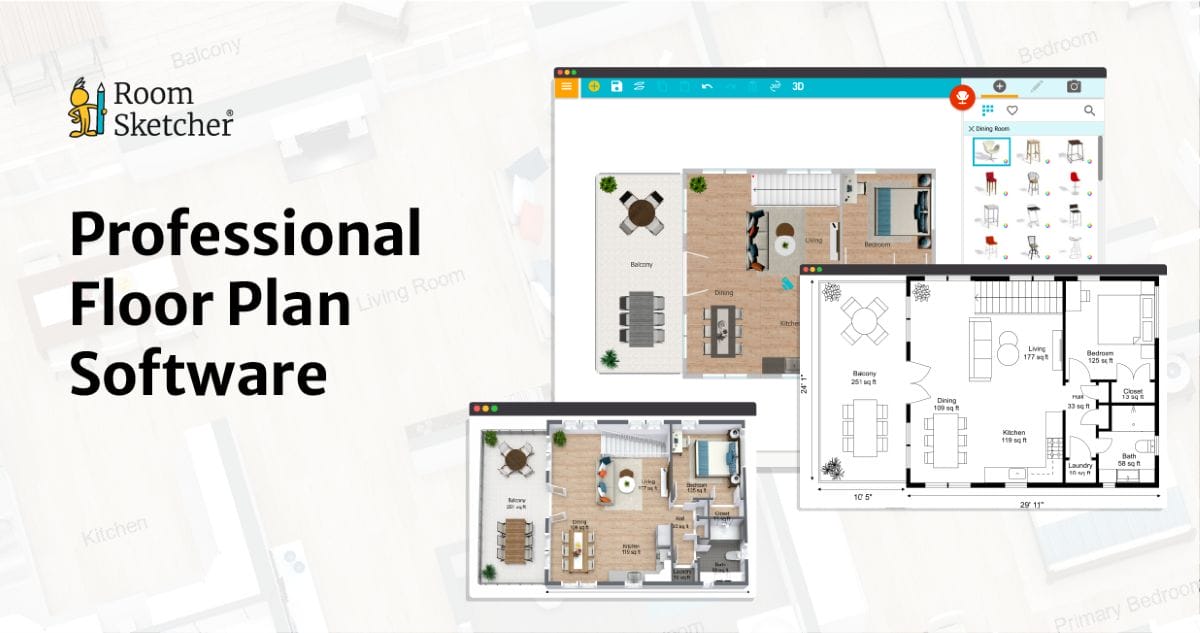
Image: RoomSketcher (official website)
4. Floorplanner
Free for up to 5 projects, with limits on floors and designs and watermarked SD exports.
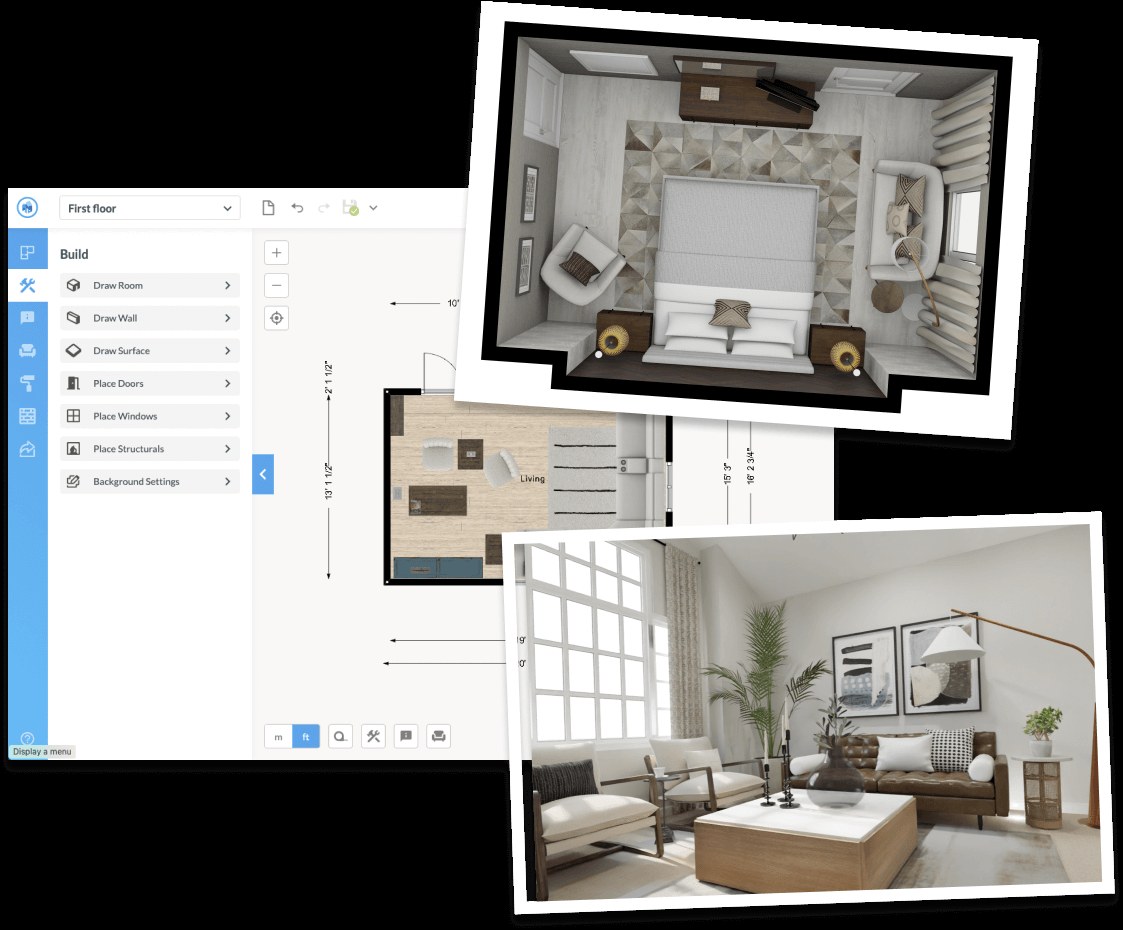
Image: Floorplanner (official website)
5. D5 Render
Free Community plan with unlimited scenes, but non-commercial use only; commercial work needs Pro (from $38/month).
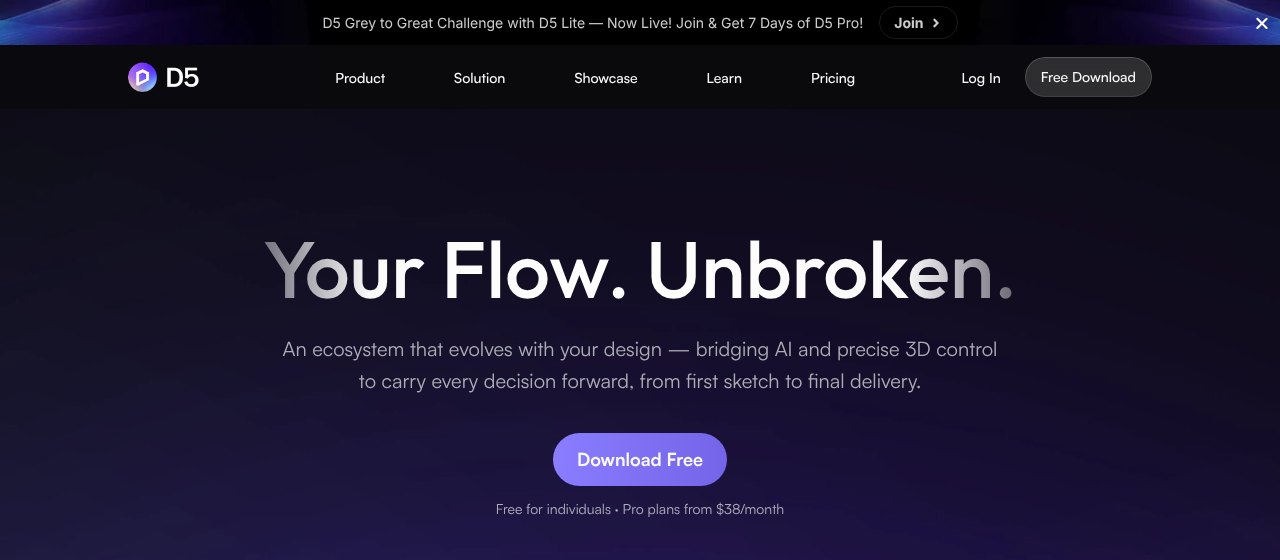
Image: Screenshot of the official website, 12 October 2026
6. Blender
Free and open source, a general 3D suite rather than interior-specific software. Powerful for rendering, but you model and light scenes yourself.

Image: Blender Foundation / blender.org (website content licensed under Creative Commons Attribution, with exceptions per blender.org)
Based on prices and features published on each vendor’s own site (read 12 October 2026). We have not yet tested these tools hands-on; each review says what is and is not verified. Prices in USD excluding tax unless stated.